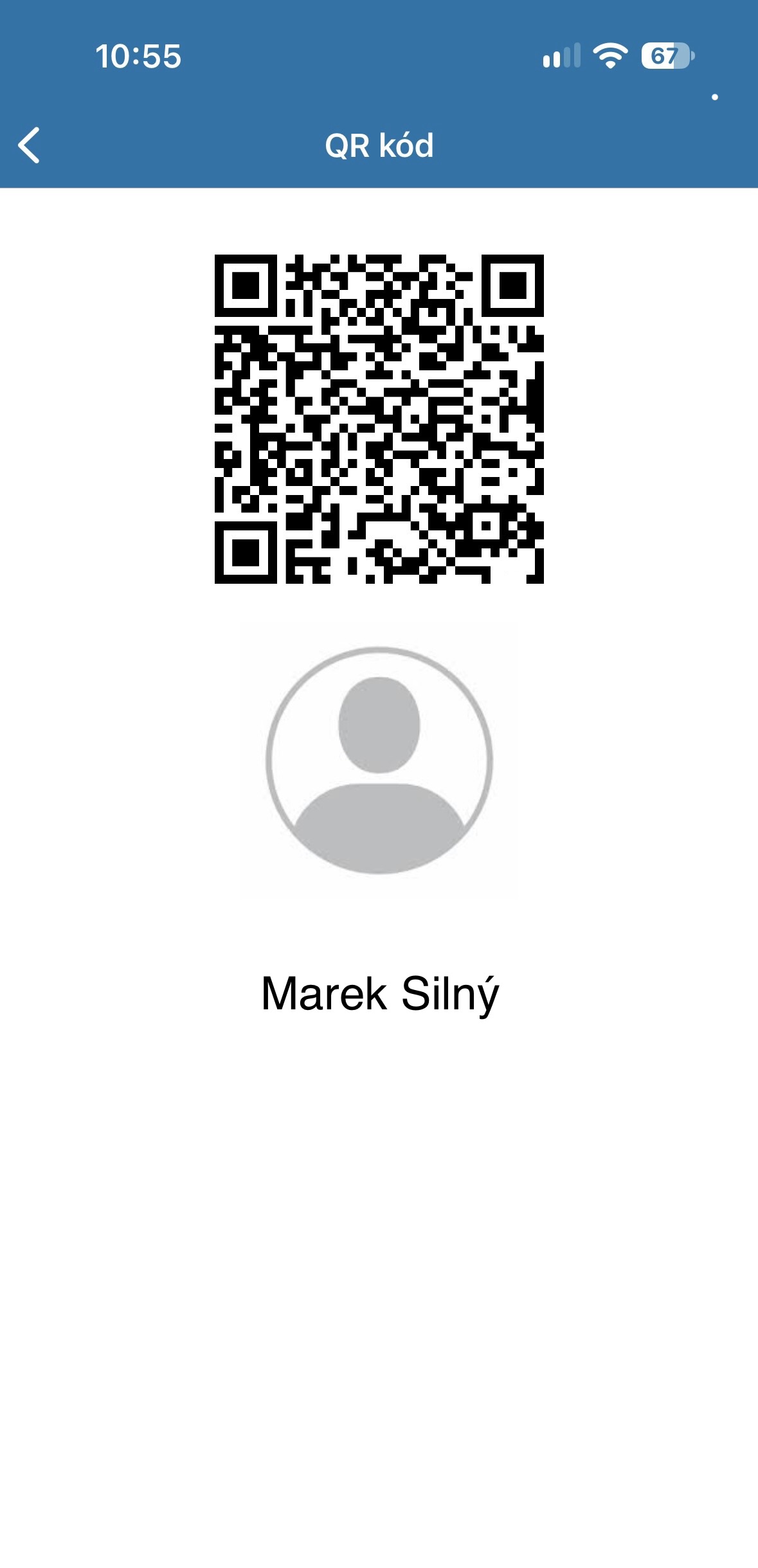
Personal QR code
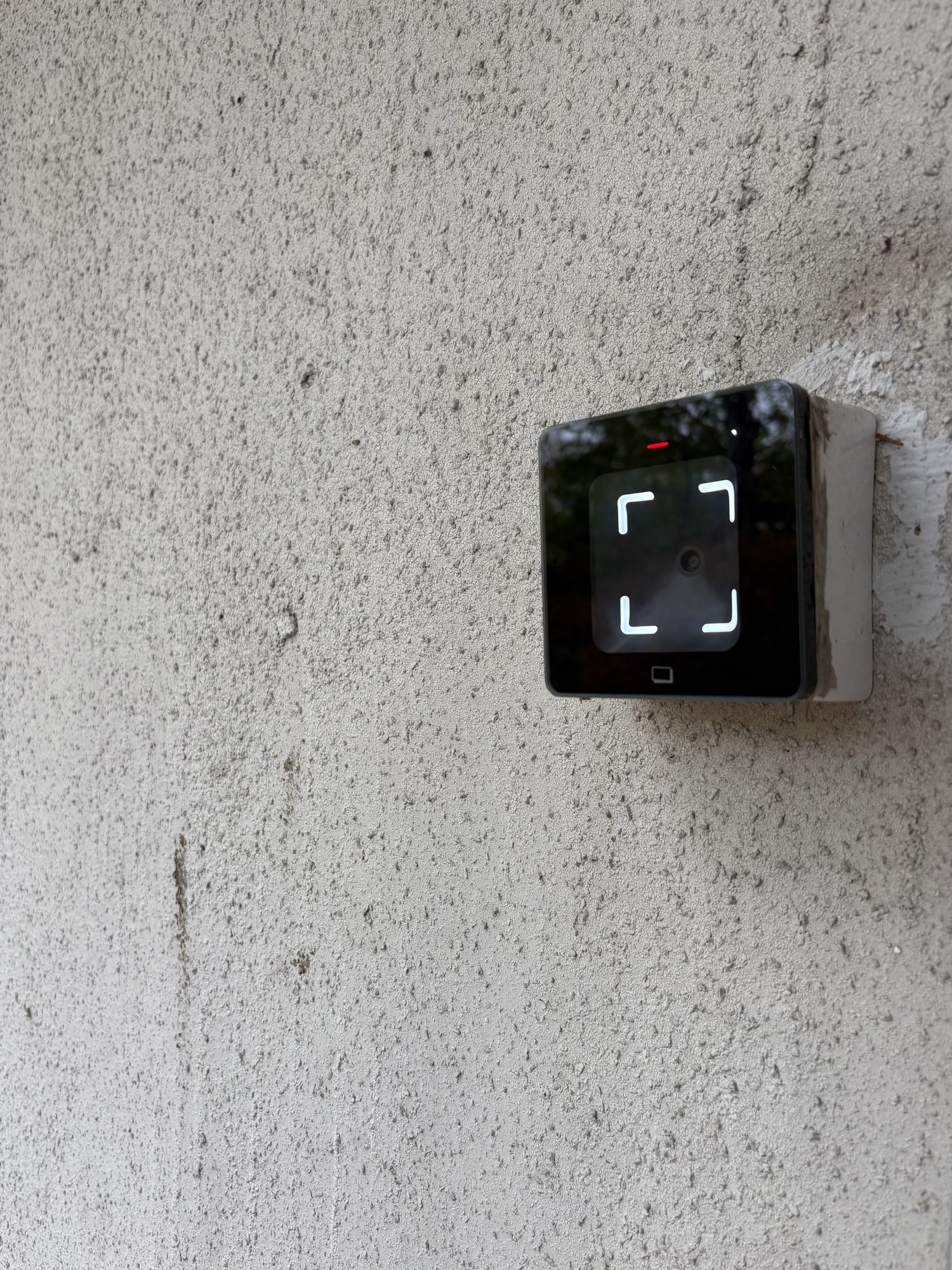
Your unique QR code is also your membership card. Just hold it to the reader at the entrance.
The ACTIVE GYM app
Download the ACTIVE GYM app.
Free for iPhone and Android.
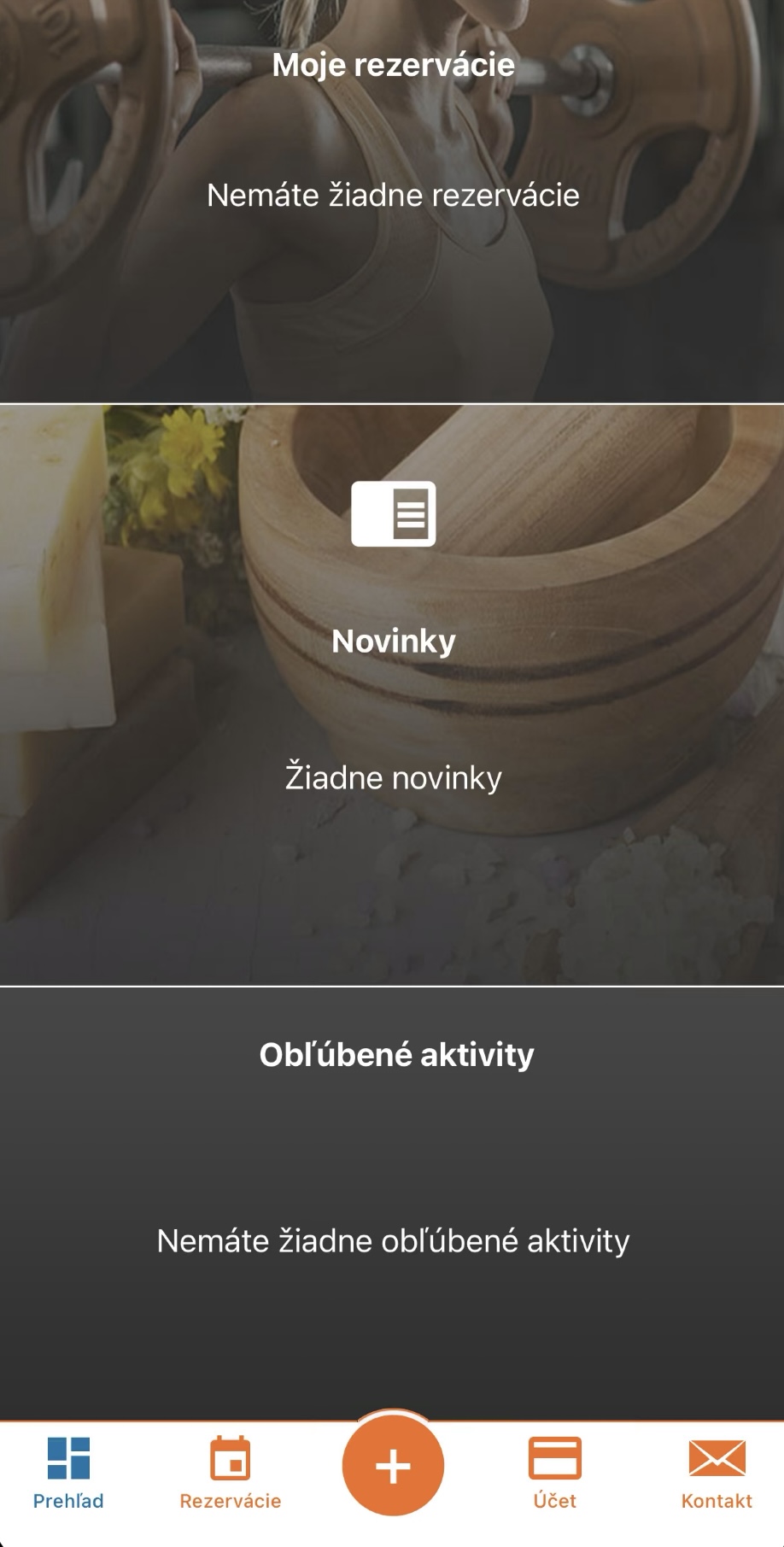
About the app
New client? How to join
Your unique QR code is also your membership card. Just hold it to the reader at the entrance.
You get access to the app at the personal meeting where we register you.
Registered members renew their membership themselves, anytime.
Membership validity and payment history always at hand.
Getting in
FAQ
No. New clients first register in person — message or call us on WhatsApp and we'll arrange a meeting. The app is for registered members to get in and renew their membership.
Yes. The app is free to download — you only pay for your membership.
No. Your QR code is shown even offline.
Check that your membership is active and turn up your screen brightness. If that doesn't help, contact us on WhatsApp.